Start with your school code.
Follow the child-linking instructions and the school’s approval process. If a connection does not appear as expected, confirm it with the school before relying on the account view.

WATCHMYKID · FOR PARENTS & GUARDIANS
You have a day to get on with. Knowing where to find your school transport information should not become another task.
START WITH THE SCHOOL
WatchMyKid is the family app in the RouteEd ecosystem. Your school manages the transport service; your app provides the family view.
Ask your school how to connect your family account and which journey updates are available. Keep your contact details current so the people responsible for the school run can reach you when it matters.
Get WatchMyKidUse the official RouteEd apps page for current Android downloads and installation guidance.
INSIDE THE FAMILY EXPERIENCE
Explore the parts of the family app and the questions each one helps you follow up.
FAMILY CONNECTIONS
Review your family connections and the school information available through your account. If an expected child or school is missing, ask the school to confirm the link and permissions.
Open the official app page ↗USING IT WELL
The app gives your family a starting point. Your school connection brings the transport context.
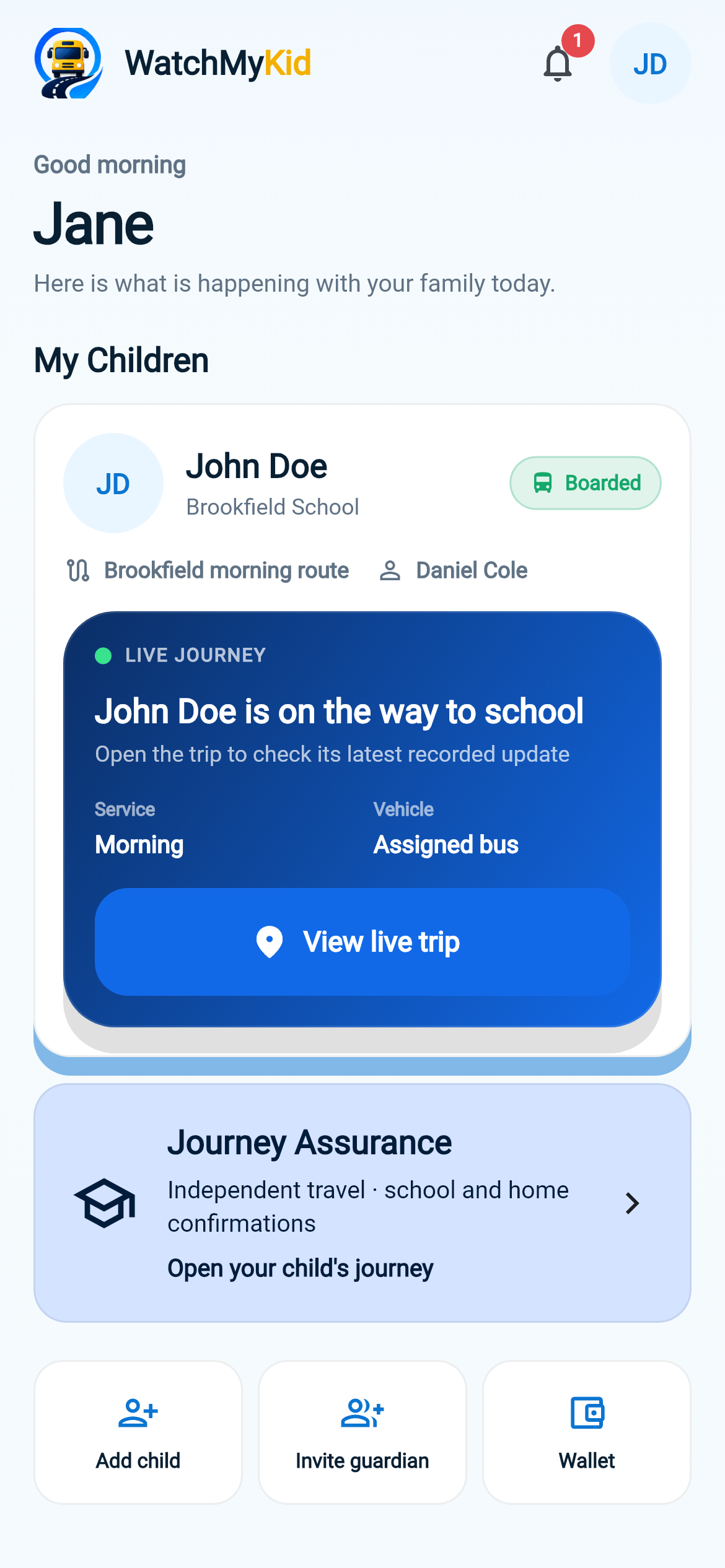
Follow the child-linking instructions and the school’s approval process. If a connection does not appear as expected, confirm it with the school before relying on the account view.
Family, Live, Alerts and Wallet have different jobs. Use the relevant area, then bring the details to your school when something needs explaining.
Keep contact details and guardian arrangements up to date. Follow the school’s collection rules whenever the responsible adult changes.
WHEN SOMETHING CHANGES
Unexpected pickup changes and unfamiliar collection arrangements need the school’s attention. Follow its approved process rather than assuming an app update or message alone authorises a handover.
For an urgent child-safety concern, contact the responsible school team and the appropriate emergency service immediately. Do not wait for an app update.
Contact RouteEdBEFORE YOU BEGIN
No. Access depends on a participating school, your account and the permissions linked to it. Downloading the app alone does not provide access to another family’s or school’s information.
Ask the school to confirm the family link, school connection and account permissions. Contact RouteEd with your school name and a description of the issue; do not send children’s personal details through the public enquiry form.
Use app.routeed.com for current official downloads. If you are unsure which account or app to use, check with your school before signing in.
THE NEXT STEP
Already at a participating school? Use the official app page. If your school is exploring RouteEd, invite its transport team to request a walkthrough.
Arrange a walkthrough